Features
A complete Android testing studio for Windows. Create test devices, run your builds and manage everything from one clean interface.
The right device for every test
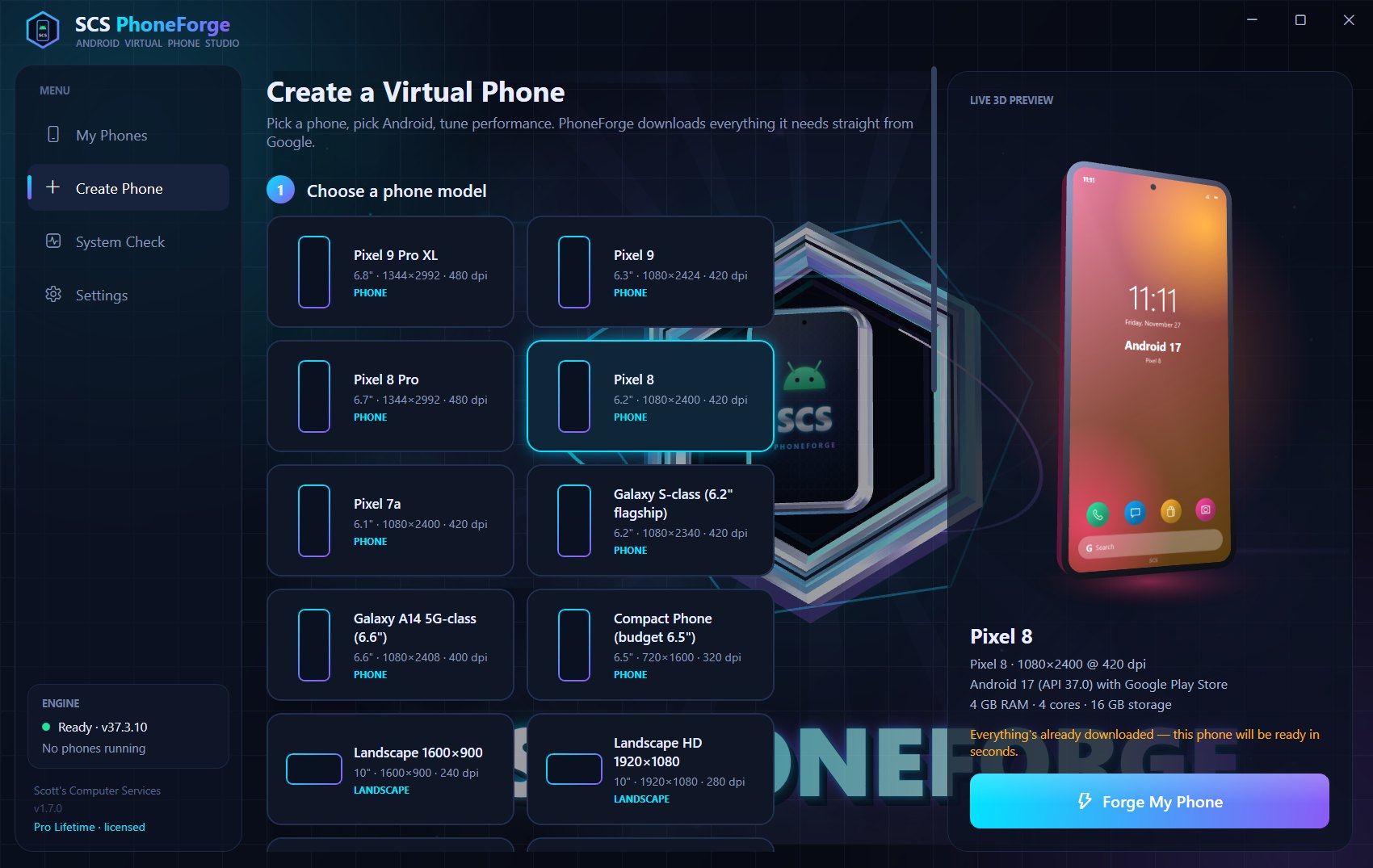
Check your layouts on twelve device profiles. Each sets the correct resolution, pixel density and shape, with a live preview before you create it.
- Memory, CPU cores and storage adjustable to your PC
- Rename or edit devices at any time
- Disk space checked before anything is created
Android 9 through Android 17
Check compatibility across Android versions. Every Android image is the Google Play edition from Google's official repository. PhoneForge downloads it, verifies each file and installs it for you. Interrupted downloads resume automatically.
- Google Play services on every version
- Only images under Google's standard SDK license
- Recommended version highlighted
- Remove unused versions to reclaim disk space
Full screen, any size, any display
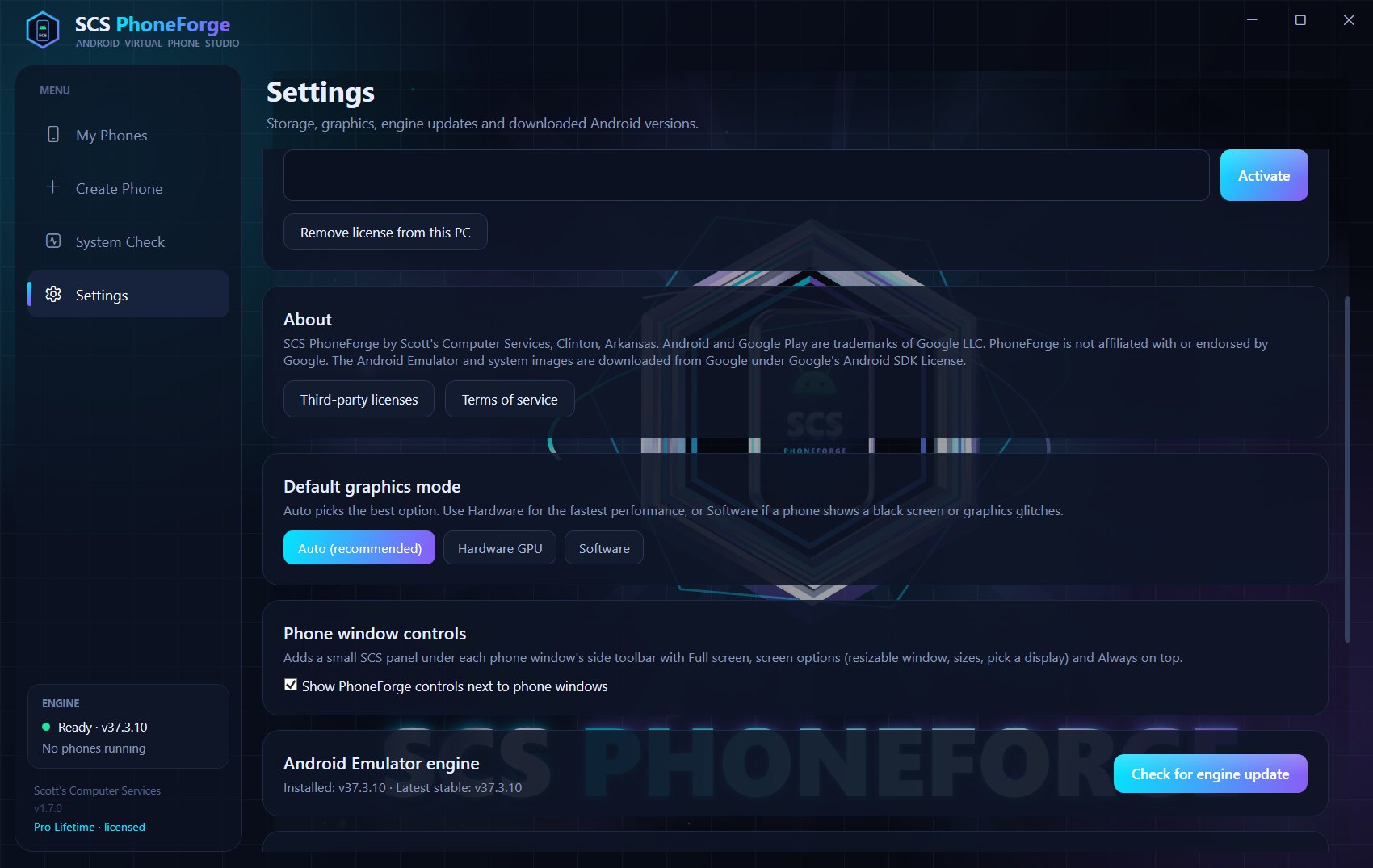
A compact control panel attaches to every device window. Send a device full screen for a review or client demo, pick a preset size or keep it on top while you work in your code editor.
- Full screen on the current display or any connected monitor or TV
- Freely resizable window, or Small, Medium and Large presets
- Center on screen and always-on-top
- One-click screenshots for bug reports and store listings
Designed to keep working
Quick boot snapshots
Stopping a device saves its state, so the next launch resumes instead of booting from scratch.
Automatic recovery
If a snapshot didn't finish saving, PhoneForge detects it, clears it and starts the device fresh.
System Check
Confirms Windows, processor, memory, virtualization and disk space, and enables Windows Hypervisor Platform for you.
Independent devices
Devices keep running when PhoneForge closes and reconnect automatically when it reopens.
Updates without downtime
Install a new version of PhoneForge while your devices are running. Nothing is interrupted.
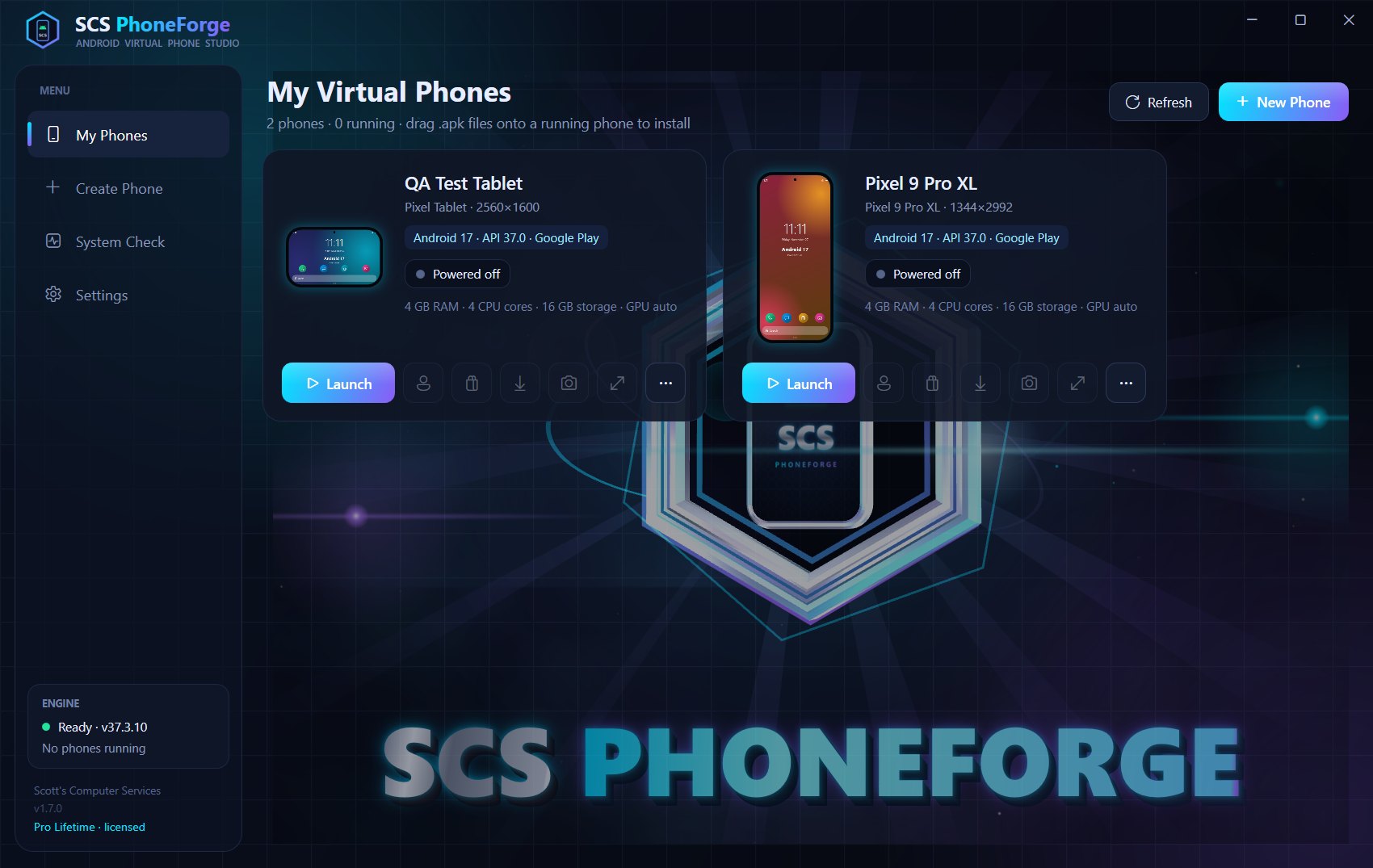
Graphics options
Automatic graphics by default, with hardware and software modes available per device.
Free and Pro at a glance
Every feature on this page is available in Pro. The free version covers one device on one display.
Try SCS PhoneForge free
Download the free version and set up your first test device in minutes. Upgrade to Pro whenever you're ready.