Test your Android apps on every device, right on your Windows PC.
SCS PhoneForge sets up Google's official Android Emulator for you. Pick device profiles and Android versions, drop in your APK and start testing in minutes, without setting up Android Studio.
Everything you need to test Android apps on a PC
PhoneForge uses Google's official Android Emulator and system images, then adds the setup, controls and safeguards that make testing fast and repeatable.
Test on many devices
Twelve ready-made Pixel, Galaxy-class, compact, landscape and tablet profiles with the correct screen size and density.
Google Play services
Google Play system images let you test sign-in, Play-dependent features and installs from the Play Store.
Review and demo
Full screen on any monitor or TV for reviews and client demos, preset window sizes and always-on-top.
Install builds instantly
Drag an APK onto a running device to install or update it, with permissions granted automatically.
Quick boot
Devices save their state when stopped and resume where you left off, so you're back to testing in seconds.
Guided setup
A built-in System Check confirms your PC is ready and turns on required Windows features for you.
See PhoneForge in action
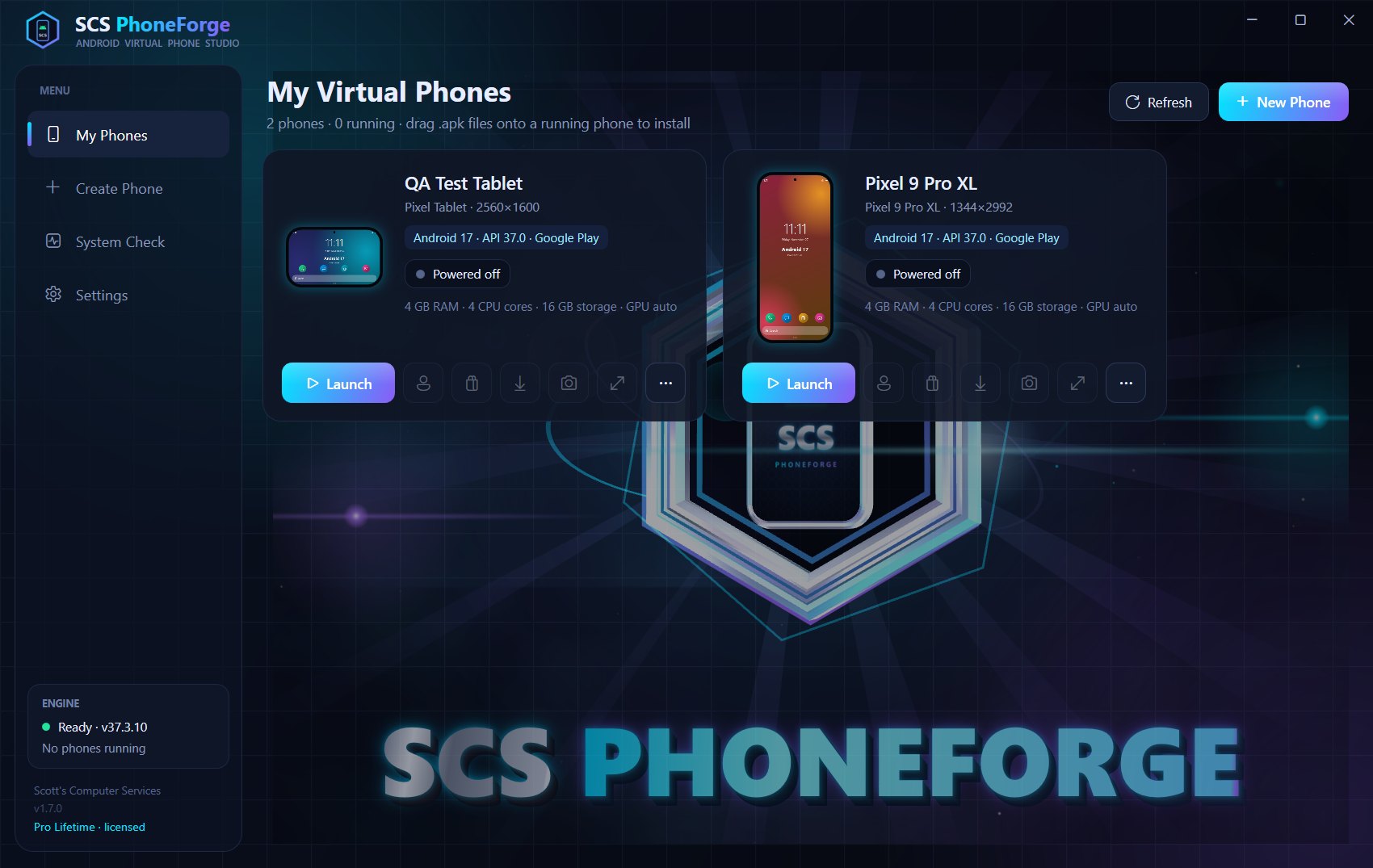
All your test devices in one place
Launch, stop and manage each virtual device from its card. Install builds, open the Play Store, take screenshots for bug reports or go full screen without leaving the list.
- Live status for every device
- Drag APK files onto a card to install
- Devices keep running if you close the app
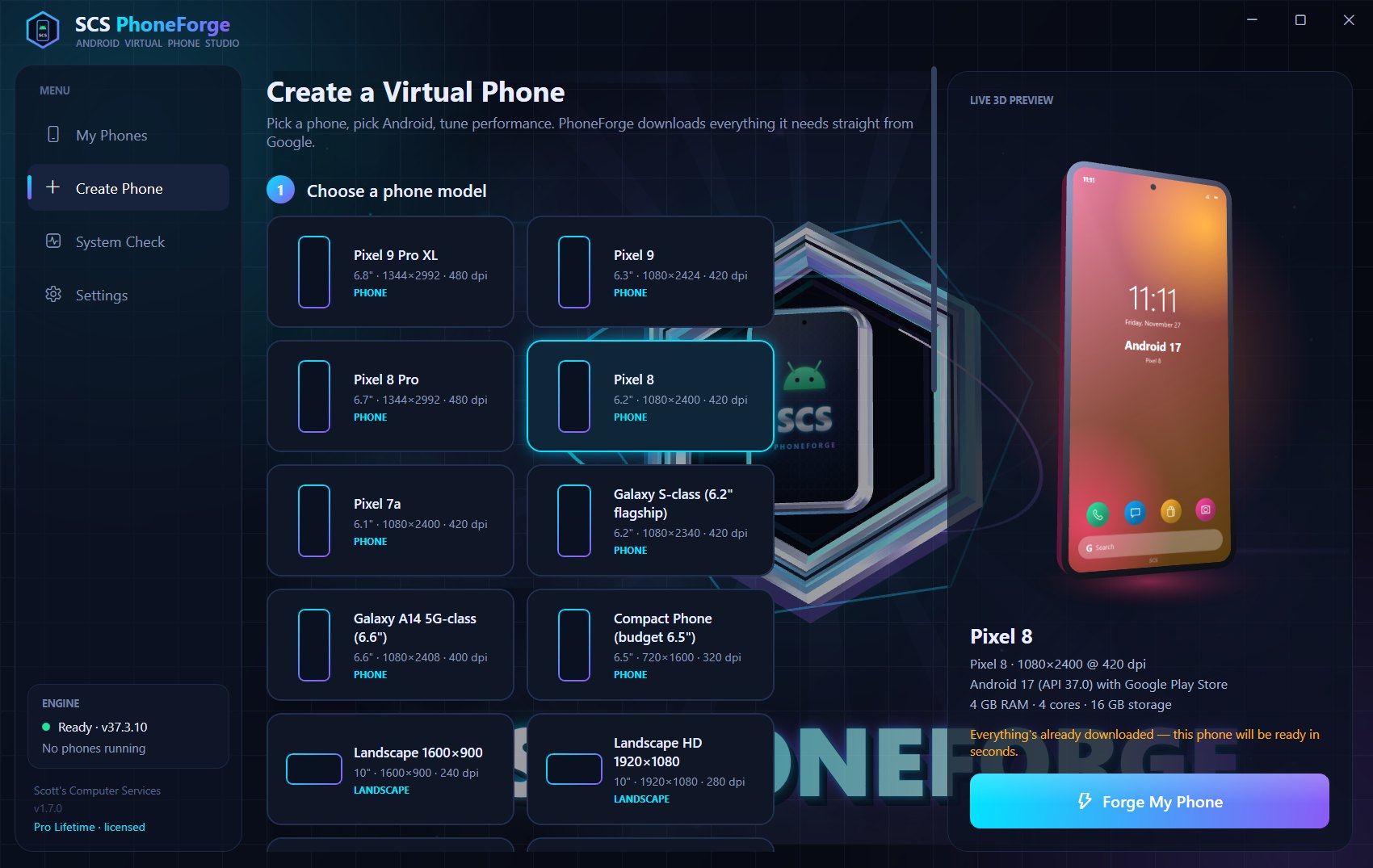
Create a test device in under a minute
Pick a device profile and Android version, then set memory, processor cores and storage. A live 3D preview shows exactly what you're creating.
- 12 device profiles
- Settings sized to your PC's hardware
- Downloads verified automatically
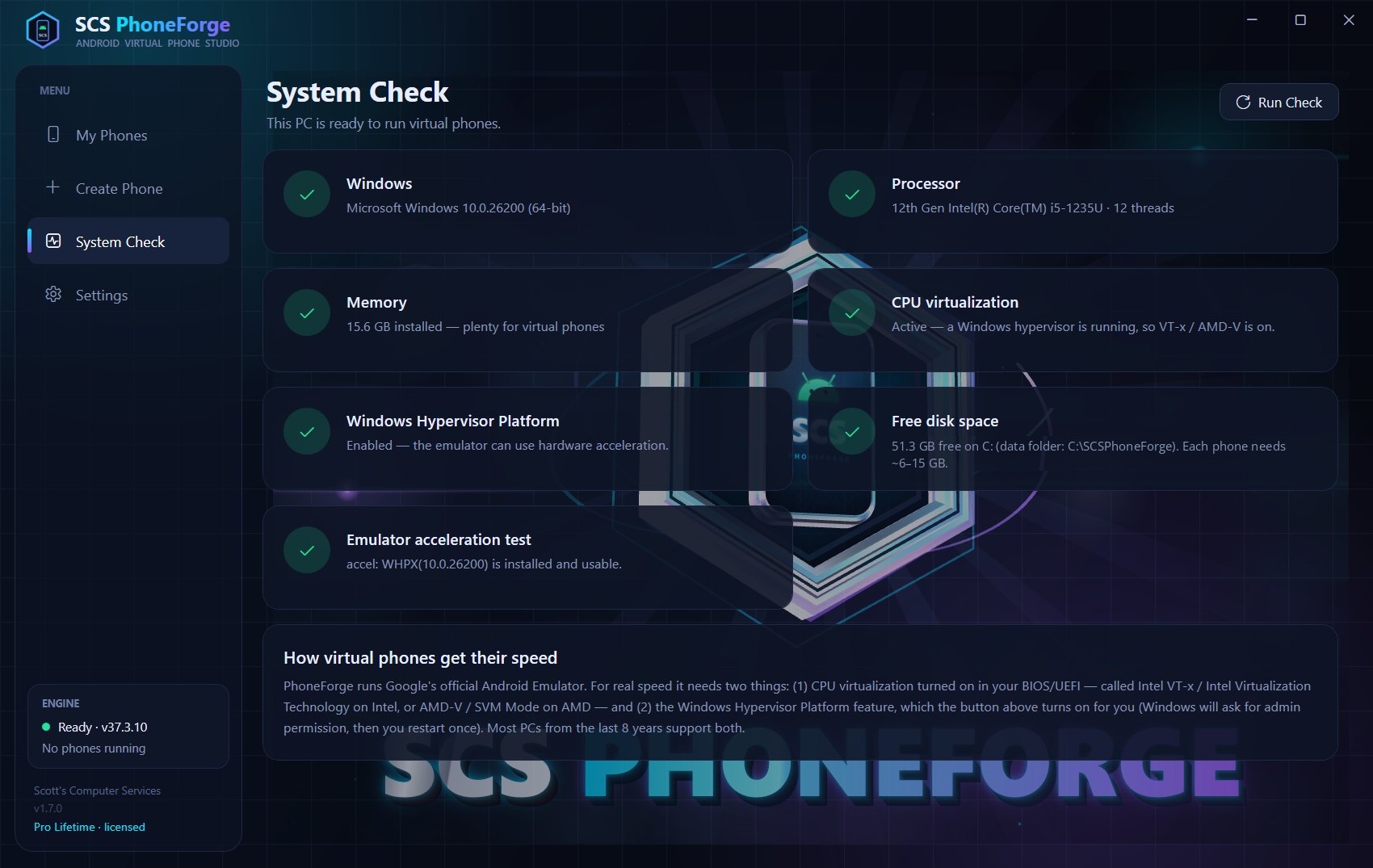
Know your PC is ready
System Check reviews Windows, processor, memory, virtualization, disk space and acceleration, and explains anything that needs attention in plain language.
- One-click fix for Windows Hypervisor Platform
- Clear guidance for BIOS virtualization
- Hardware acceleration test
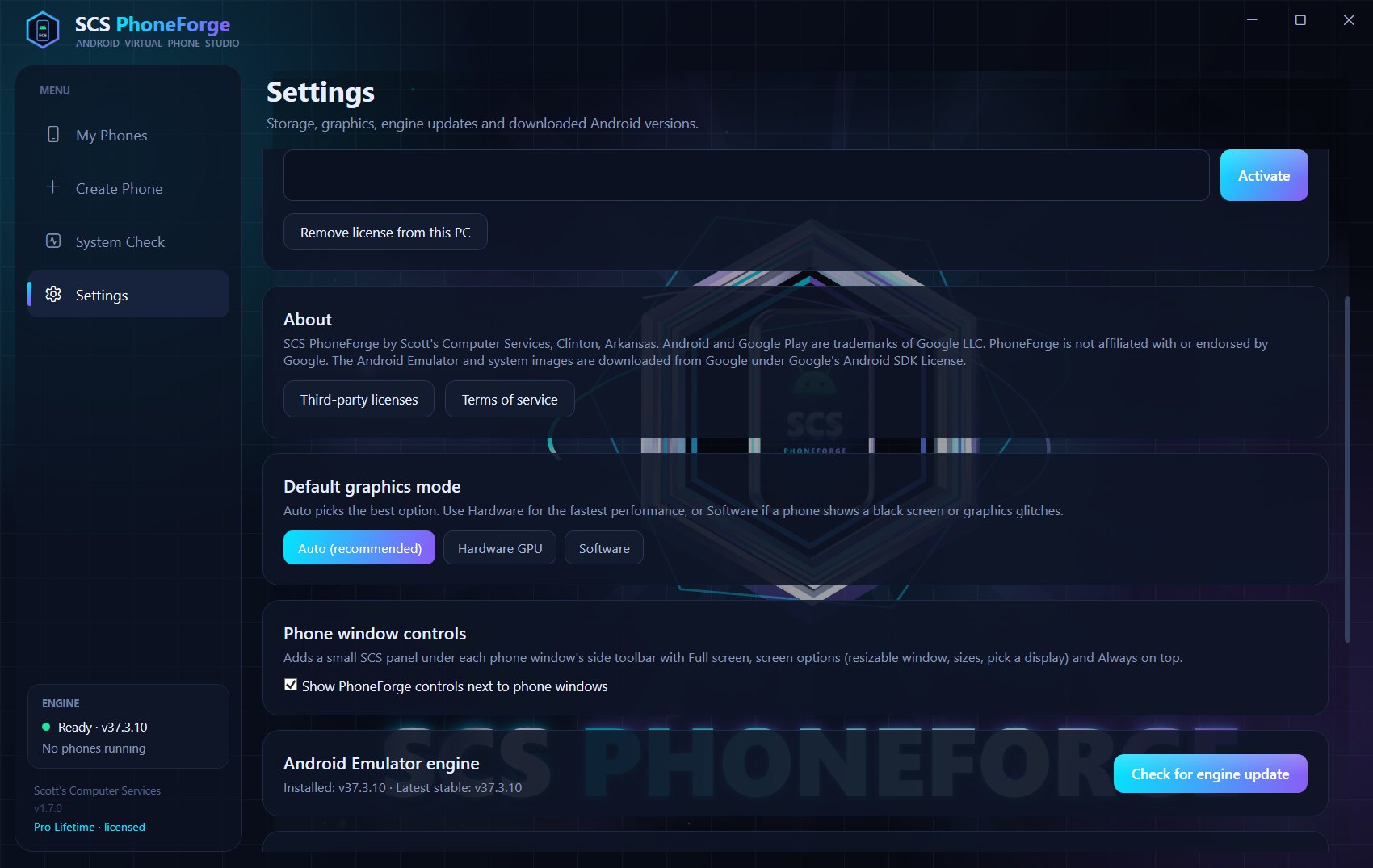
Control where everything lives
Choose the drive that stores your devices, set the default graphics mode, update the Android engine and remove Android versions you no longer need.
- Move the data folder to any drive
- Automatic, hardware or software graphics
- Engine updates in one click
Built for people who build Android apps
Test on more devices without buying them
Run your app on Pixel, Galaxy-class, compact, landscape and tablet profiles across Android versions, all on one PC.
- 12 device profiles
- Android 9 through 17
Reproduce and verify bugs faster
Run several devices side by side, install each new build by dropping the APK on a device and capture screenshots for bug reports.
- Multiple devices at once with Pro
- One-click screenshots
The same test lineup on every desk
Give every developer and tester the same devices and Android versions, and demo client apps full screen.
- Volume licensing
- Priority support
Up and running in three steps
Download and install
Run the installer. PhoneForge checks your PC and turns on any Windows features it needs.
Create a test device
Choose a device profile and Android version. PhoneForge downloads and verifies everything automatically.
Install and test
Launch the device, drag in your APK or install from Google Play, and start testing.
Your builds stay on your PC
PhoneForge runs locally. Your virtual devices, app builds, test accounts and files are stored on your computer, not on our servers.
Read our privacy policyOfficial Android images
Downloaded directly from Google and verified against published checksums.
No account data collected
Google sign-in happens between the device and Google. We never see your password.
Nothing tracked inside devices
We don't monitor which apps you install or test.
Secure payments
Card payments are processed by our payment provider. Card numbers never touch our site.
Start free, upgrade when you need more
The free version has no time limit. Pro adds unlimited devices, every device profile, multi-display full screen and window presets.
Try SCS PhoneForge free
Download the free version and set up your first test device in minutes. Upgrade to Pro whenever you're ready.